Fake your location on Life360 without the spoof alert
Hide your location on Life360 and keep your movements private. AnyLocate broadcasts a genuine GPS fix: no mock-location flag, no root or jailbreak.
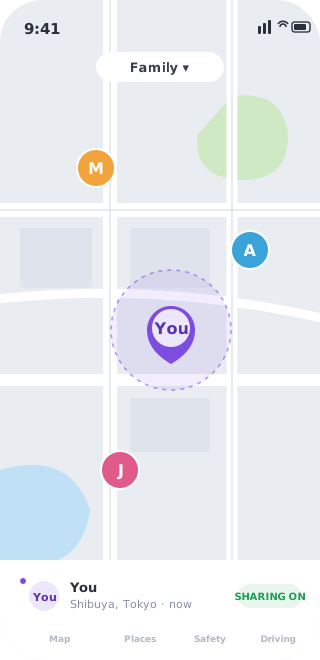
Family location-sharing slides from “safety” into “surveillance” more easily than anyone admits. Life360 and apps like it report where you are all day to whoever holds the other end, and the day you want an ordinary amount of privacy, the choices are all bad. Turn location off and you’re caught in seconds. Reach for a fake-GPS app and you trip the built-in “location spoofing detected” alert, which makes things worse than saying nothing at all.
There’s a quieter third path. AnyLocate broadcasts a real GPS signal your phone locks onto, so the position it reports is a genuine fix at coordinates you choose, with no mock-location flag sitting underneath for the spoof detection to find.
Stay on the map, keep your day to yourself
The thing that starts an argument is absence: a paused dot, a phone that suddenly went dark. Presenting a believable location sidesteps that entirely. You stay visible, the app keeps working exactly as expected, and where you actually are stays your business. Privacy that doesn’t announce itself tends to be the kind that lasts.
Why the spoof alert stays quiet
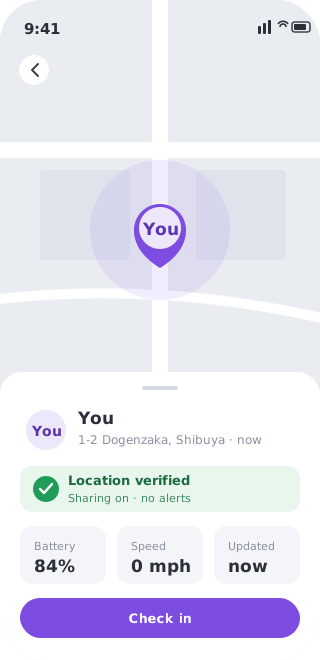
Life360’s detection hunts for the fingerprints of software fakery: the isFromMockProvider flag Android attaches to mock locations, and the tell-tale jumps of a coordinate pasted over a real one. Newer builds also cross-check the GPS fix against your network and watch for impossible movement. A real RF fix leaves none of that first kind of evidence. The receiver computes its own position from a genuine signal, so there’s no mock flag to raise and none of the injected-coordinate jumps a detector looks for. On the satellite layer, the app reads one consistent position, because that is the position the phone actually produced. Worth being straight about the rest: phones fuse GNSS with Wi-Fi and cell, so outside a shielded setup those nearby signals are a separate factor a positioning tool doesn’t touch.
A genuine fix, not a fragile trick
Because the location is computed the normal way, it behaves the normal way. It sits on real streets, moves smoothly, and survives a second look. No root, no developer options, and no cat-and-mouse with a detector that changes every release, because nothing in the signal chain is fake for it to catch. You decide what your devices tell the world about where you are.