Set a fake Snap Map location, beyond Ghost Mode
Fake your Snap Map location, no Ghost Mode blackout. AnyLocate sets your real GPS to a chosen spot: genuine fix, no mock-location flag, no root or jailbreak.
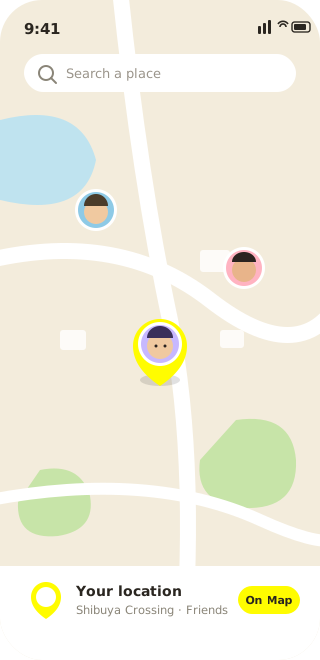
Snap Map turns your location into something your whole friend list can watch, live. Ghost Mode is the official escape hatch, and it’s a good one, but vanishing has costs. Going dark is conspicuous, it reads as “hiding something,” and it switches off a feature you might actually enjoy. Sometimes the move you want isn’t disappear. It’s show a different place, and that is exactly where a chosen, believable location beats an empty one.
So set the place. AnyLocate broadcasts a real GPS signal your phone locks onto, so the spot on the map is a genuine fix at coordinates you decide: visible, natural, and yours to control.
Present a place instead of a blank
Staying on the map while keeping your real position private is the quiet version of privacy: nothing to explain, no sudden absence for anyone to notice. Put your marker where you’re comfortable being seen, and let everything else about your day stay off the record.
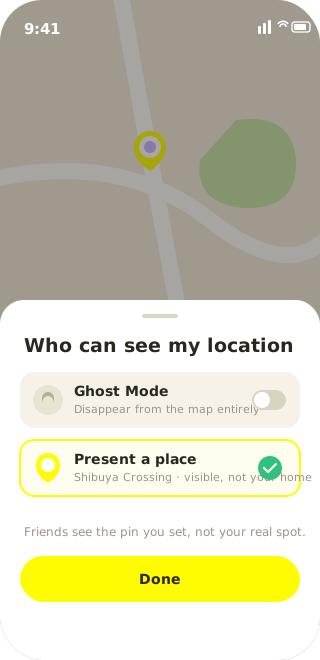
Keep home off the record
Your last-seen spot is usually your doorstep, and that’s a lot to hand out by default. Set a neutral location before you post or share, and your home coordinates never land on the map or get reverse-inferred from where you always seem to end the night. Share what you want; keep where you live to yourself.
What makes it look genuine
Fake-GPS apps get flagged for a reason: they set the operating system’s mock-location marker, and the position they inject can lurch in ways that look artificial. AnyLocate avoids both. It feeds a real radio signal to the receiver, which computes its own fix, so there’s no mock flag and none of the injected-coordinate jitter that gives fake-GPS artifacts away. That clears the mock-injection tells. A phone’s Wi-Fi- and cell-based fused location is a separate factor, and it only agrees with your chosen coordinates when those signals are shielded too. Line that up and the satellite fix reads to Snap Map as simply where you are.
The edge of what it controls
This controls the device’s satellite position, the layer Snap Map reads for where you are. It doesn’t touch account settings or who’s on your friend list; those are separate switches. What shows on the map, though, is yours to set, precisely and convincingly.