Location privacy: show only the place you choose
Location privacy on your terms: control exactly what apps see by setting your phone's real GPS to a place you pick. No mock flag, no root, no jailbreak.
Every phone, watch, camera and car you own quietly publishes your position: to apps, to platforms, to whoever is on the other end of an API you never see. Location has become the one thing you can’t switch off without switching everything off. AnyLocate gives you the switch back.
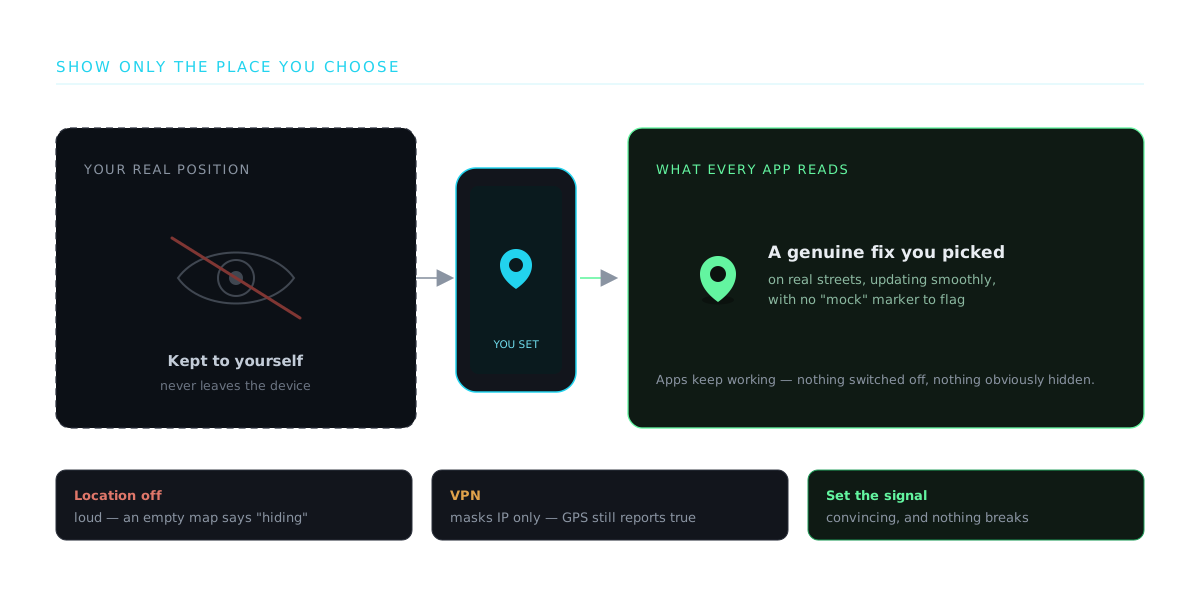
Instead of leaking your true coordinates, your device reports the location you decide. It does this at the signal level, where it’s convincing, because the receiver computes a real fix from a real signal.
Go dark on your own terms
You don’t have to choose between using your devices and giving away where you are. Present a location of your choosing and keep the real one to yourself, while everything you actually use keeps working normally. No broken apps, no obvious “location off” tells, just your position under your control.
The trouble with just going dark
Switching location off is the loudest privacy move you can make. An empty map reads as hiding something, and it breaks the apps you still want. A VPN only masks your IP while the GPS chip keeps reporting your true spot underneath, and a fake-GPS app trips the mock-location flag apps are built to catch. A set signal does none of that: your receiver computes one real, steady fix at the coordinates you chose, so the location is convincing and there’s nothing fake in the chain to flag.
Keep your real place out of the data
Fitness tracks, photo geotags, live demos, and recorded routes all quietly stamp your true starting point, which is usually your home. Set a neutral location first, and none of it carries your real coordinates. Record where you like, present from anywhere, and let your actual whereabouts stay yours.
Present from anywhere
Run a live product demo “from” the market you’re pitching, walk a stakeholder through a location experience in another country, or show a geolocated feature on stage, all without booking a flight or revealing where the laptop really is. The audience sees the place; you keep the privacy.