Change your Tinder location Passport-style, match a city
Change your Tinder location Passport-style and match in a new city. AnyLocate sets your real GPS so 'nearby' repopulates: no root, no jailbreak, no mock flag.
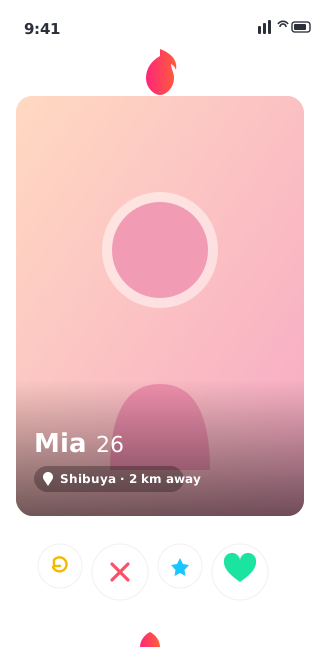
Dating apps are built around one number: how far away you are. That’s fine when your city is full of new faces and quietly maddening when it isn’t. You’ve swiped the whole local pool, or you’re flying somewhere next week and landing cold with zero conversations started. Built-in “travel” features help where they exist, but they’re often paywalled, missing, or undercut by an app that checks your real GPS against the city you claimed.
AnyLocate sets that GPS. Point your phone at the city you want and the app’s distance math, discovery feed and “nearby” list all rebuild around that spot, because as far as the device is concerned, that is where you are.
Warm up a city before you arrive
Landing somewhere new is the hardest time to start from scratch. Present in your destination a few days out, start matching and talking, and step off the plane with plans already made instead of an empty inbox. The awkward, time-burning “I just got here, know anyone?” phase simply doesn’t happen.

Refresh a pool you’ve already exhausted
In a smaller city the math is brutal. A few weeks of swiping and you’ve seen everyone the algorithm has. Present in a different city and that resets: the app reads you as a new user in a new area and serves a fresh set of profiles, usually with the visibility bump a new location tends to get. Same ten faces, or a genuinely new feed. It’s not a close call.
A location that holds up
Here’s why it works where a fake-GPS app gets you shadow-banned. Those tools set the operating system’s mock-location flag, and a hardened dating app reads it and quietly buries your profile. AnyLocate works one layer lower, on the real radio signal the phone locks onto, so the fix it reports is authentic and carries no mock-location marker for the app to catch. Your network IP, and the Wi-Fi and cell towers your phone can see, still reflect where you physically are. An app that cross-checks GPS against those is a separate matter, which is why this is cleanest for believable local and regional moves. You present a city, and the app sees a person in it.
What a positioning tool can’t move
One thing to be straight about. This controls the device’s satellite position, which is what drives distance and discovery. It doesn’t change your account’s region, your billing country, or app-store pricing; those are gated by your account and network, not by where your phone thinks it is. Everything keyed to the GPS fix, though, follows you to whatever city you choose.