Pokémon GO spoofing without the mock-location flag
Pokémon GO spoofing with no mock-location flag: teleport to region-exclusives, joystick-walk to hatch eggs, raid anywhere. No root, no jailbreak.
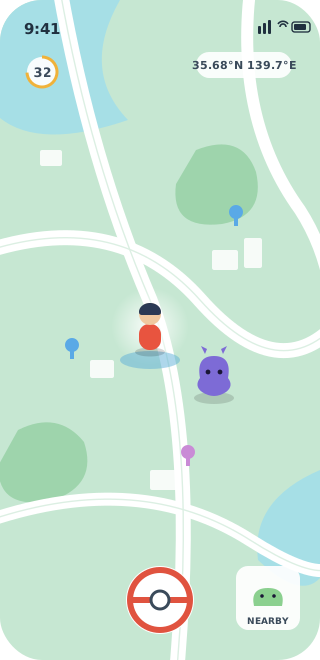
Every serious Pokémon GO collector runs into the same wall. The best spawns live somewhere you don’t. Region-exclusive Pokémon only appear on the continent they’re tied to. Five-star and legendary raids need a crowd a small town can’t muster. And the game quietly assumes you can walk kilometres a day. The obvious workaround, a fake-GPS app, fixes the geography and hands you a worse problem: it sets Android’s mock-location flag, the game reads it, and you collect a red warning, a strike, or a soft ban instead of a Farfetch’d.
That flag is the whole problem, and AnyLocate never creates it. It broadcasts an authentic GPS signal your phone’s own receiver locks onto, so the fix is genuine and nothing is stamped “mock” for Niantic to find. You go where the Pokémon are, and the game sees a trainer standing there.
Catch region-exclusives without the airfare
Kantonian Farfetch’d, the regional Mr. Mime variants, the Tauros forms: a whole slice of the Pokédex is gated on nothing but which part of the world the device sits in. Set your coordinates to Tokyo, Sydney or New York and those exclusive spawns show up in your nearby list exactly as they would for a local. That’s the gap between “someday, when I can travel” and finishing the entry tonight.
Join the raids where the players actually are
Legendary raids are a numbers game, and rural and small-city players lose it by default. You can’t beat a five-star boss with the two trainers who showed up. Teleport into a raid-dense city, drop into an active lobby, and take on the bosses your local park never fills. Pair it with a remote-raid group and you’re pulling counters from a hundred players instead of hoping for a third.
Hatch eggs and bank distance from your chair
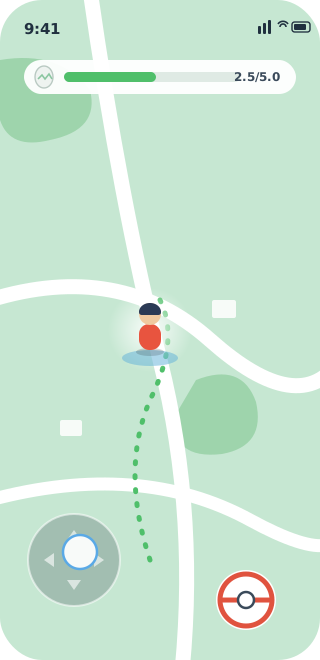
Distance is the game’s other currency: 2 km, 5 km and 10 km eggs, buddy candy, kilometres walked. Desk-bound, injured, or just out of daylight, and that grind stalls. Keep the game open, script a walking route at a natural pace, and the device reports moving along it. Eggs hatch, candy stacks up, your buddy’s hearts fill, all because in-app distance follows the real GNSS track the receiver recorded. (One honest caveat: Adventure Sync’s background tally counts your phone’s step sensor, so that one still wants real steps.)
Trade across the world for lucky Pokémon
Trades want both trainers inside a hundred metres, a rule written for neighbours rather than the friends abroad you actually swap with. Put your device beside theirs, complete the trade, and take the better lucky-conversion odds and cheaper stardust that long-registered Pokémon carry. Your rarest swaps stop being blocked by a map.
The part ban-wary players actually care about
Fake-GPS apps, mock-location tricks and jailbreak tweaks all do one thing: inject a coordinate in software. Android tags anything injected that way with isFromMockProvider, and reading that flag is a single line the game runs on every fix. AnyLocate never goes near that layer. It feeds a real radio signal to the receiver, which computes its own position, so no mock flag exists, and neither does the root or jailbreak the software route needs. What remains is physics: keep your teleports inside the game’s cooldown so your travel speed stays humanly possible. Do that, and at the GPS layer you read as a trainer who walked in, because the fix is genuine rather than a flagged mock. AnyLocate only drives the satellite signal, so anything Niantic checks server-side (Play Integrity attestation, behavioural heuristics) sits above what it touches.